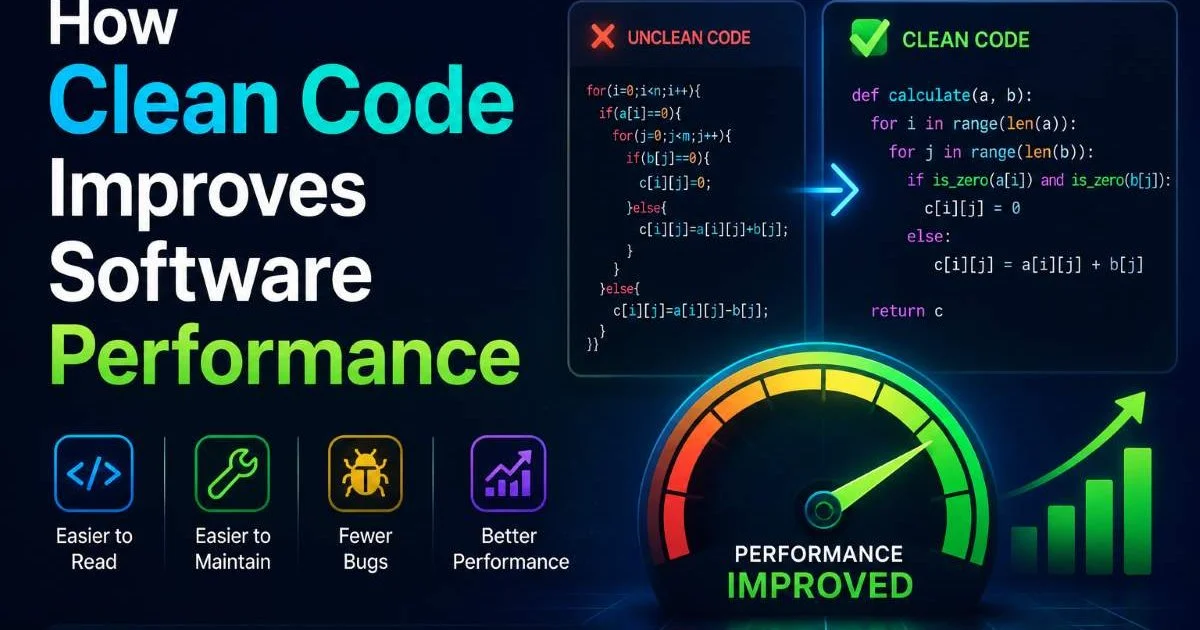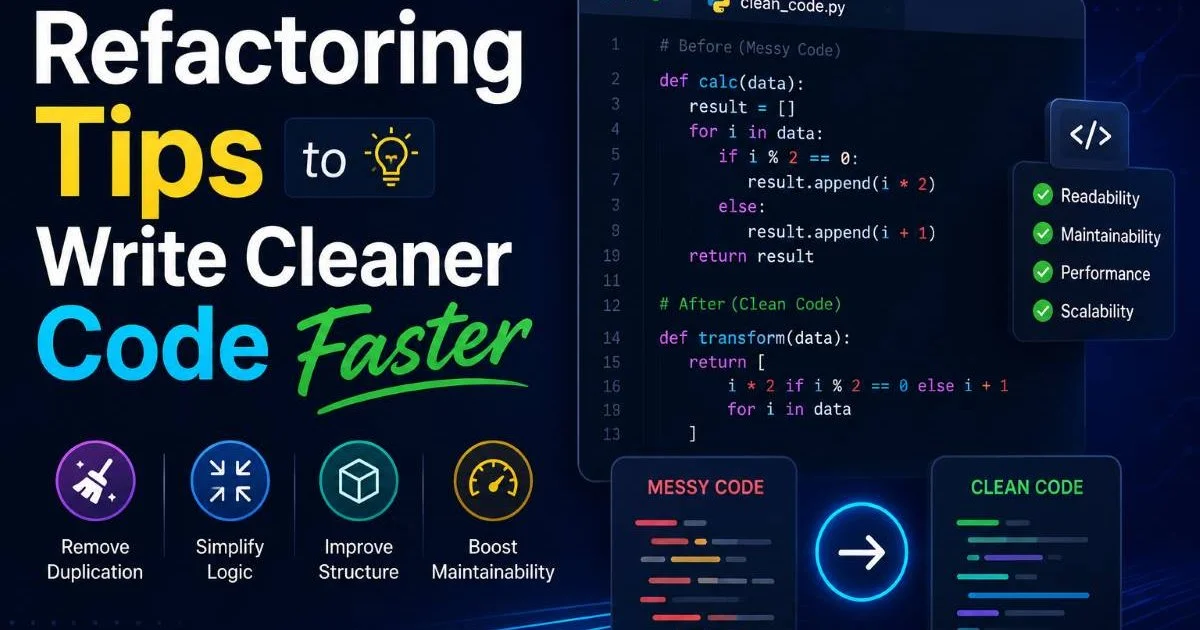
Refactoring tips and clean code practices form the backbone of sustainable software development. Every developer has inherited a codebase that made them wince, full of duplicated logic, cryptic variable names, and functions stretching hundreds of lines. The cost of ignoring these problems is real: slower feature delivery, more bugs, and mounting technical debt that compounds over time.
Optimization techniques applied through disciplined refactoring can transform messy codebases into scalable, performant systems. This guide walks you through four practical steps to refactor your code faster without breaking things. Whether you're tackling a legacy monolith or tidying up a recent sprint, these tips will sharpen your approach. The goal isn't perfection; it's measurable improvement with each pass. Let's get into the specifics.
Key Takeaways
- Always establish comprehensive test coverage before you start any refactoring work.
- Small, frequent refactoring commits are safer and easier to review than large rewrites.
- Code smells like long methods and duplicate logic are your highest-priority refactoring targets.
- Automated tools catch formatting and complexity issues that manual reviews consistently miss.
- Measuring cyclomatic complexity and code coverage gives refactoring efforts objective direction.

Step 1: Build Your Safety Net with Tests
Refactoring without tests is like performing surgery blindfolded. Before you rename a single variable or extract a single method, you need confidence that existing behavior won't break. Understanding how code optimization works in practice starts with this foundational principle: protect working behavior first, then improve structure. Too many developers skip this step, excited to "fix" things, only to introduce regressions that take days to track down.
Write Characterization Tests First
Characterization tests document what code actually does, not what it should do. Run the existing code, capture its outputs for various inputs, and lock those down as assertions. For example, if a pricing function returns $47.50 for a specific set of parameters, write a test that asserts exactly that. You don't need to understand the full logic yet. You just need to know when your changes alter existing behavior unexpectedly. Michael Feathers popularized this technique in "Working Effectively with Legacy Code," and it remains one of the most practical approaches for safely approaching unfamiliar systems.
Use a code coverage tool like Istanbul (JavaScript) or Coverage.py (Python) to find untested paths before refactoring.
Target Coverage Thresholds
You don't need 100% coverage to start refactoring, but you need meaningful coverage of the code you plan to change. Aim for at least 80% line coverage on the specific files you're touching. If a module has 30% coverage and you plan to restructure it significantly, spend a few hours writing tests first. This investment pays for itself immediately. Teams that maintain strong test coverage report up to 40% fewer production defects after refactoring sprints, according to research from Microsoft's Empirical Software Engineering group.
Integration tests also matter here. Unit tests verify individual functions, but integration tests confirm that modules still communicate correctly after restructuring. A function might return the right value in isolation yet break when its caller expects a different data shape. Write at least a handful of integration tests around critical paths, especially API endpoints, database queries, and message handlers that cross module boundaries.
Step 2: Identify and Prioritize Code Smells
Not all messy code deserves immediate attention. The smartest refactoring tips focus on high-impact targets: the files you change most frequently, the modules that generate the most bugs, and the patterns that slow down every developer who touches them. Spreading effort across the entire codebase is inefficient. Concentrate on the 20% of code responsible for 80% of your team's pain, and you'll see results fast.
Common Smells Ranked by Impact
Martin Fowler's catalog of code smells provides an excellent starting point, but not every smell is equally damaging. Duplicated code tops the list because it multiplies bug surfaces and makes changes tedious. Long methods come next; functions over 30 lines are harder to test, harder to read, and more likely to contain hidden side effects. Feature envy, where a method uses data from another class more than its own, signals misplaced responsibility. God classes that absorb too many concerns create tight coupling that resists change. Prioritize these four smells, and you'll address the bulk of structural problems in most codebases.
Use Static Analysis Tools
Manual code review catches a lot, but static analysis tools catch the patterns humans routinely overlook. SonarQube, ESLint with complexity rules, and Pylint all flag problematic code automatically. Configure these tools to report cyclomatic complexity, cognitive complexity, and duplicate blocks. Run them as part of your CI pipeline so new code smells don't accumulate silently. The best custom GPTs can also help you identify refactoring opportunities by analyzing code snippets and suggesting structural improvements in real time.
Static analysis tools produce false positives. Review flagged issues with context rather than blindly fixing every warning.
Create a prioritized backlog of refactoring tasks based on tool output and team pain points. Tag each item with an estimated effort level (small, medium, large) and link it to the files or modules affected. This backlog gives product owners visibility into technical debt and makes it easier to negotiate refactoring time during sprint planning. Without a visible backlog, refactoring tends to happen ad hoc or not at all.
Step 3: Apply Targeted Refactoring Techniques
With tests in place and targets identified, you can start making changes. The key principle is to make small, behavior-preserving transformations. Each commit should do one thing: rename a variable, extract a method, move a class. Resist the urge to combine structural changes with feature work in the same commit. Mixing the two makes code review harder and increases the risk of introducing subtle bugs that hide behind the feature changes.
Extract Method and Rename
Extract Method is the single most useful refactoring move. When you see a block of code inside a function that does a distinct sub-task, pull it into its own named function. The original function becomes shorter and more readable, and the new function becomes independently testable. For example, a 60-line order processing function might contain 15 lines that calculate shipping costs. Extract those into calculateShippingCost(order), and both functions become clearer. Pair this with aggressive renaming. Variables like tmp, data, or x should become discountPercentage, customerProfile, or retryCount.
"Clean code reads like well-written prose; every name tells you what it does, every function does one thing."
Rename refactoring is underrated because it feels trivial, but naming accounts for a huge portion of code comprehension. Studies from the University of Zurich found that developers spend roughly 58% of their time reading code rather than writing it. Better names reduce that comprehension overhead directly. Modern IDEs make renaming safe with project-wide find-and-replace that respects scope, so there's no excuse for cryptic abbreviations in 2024.
Replace Conditionals with Polymorphism
Long chains of if/else or switch statements that branch on type are a common sign of missing abstractions. Instead of checking if (shape.type === 'circle') and then else if (shape.type === 'rectangle'), create a Shape interface with an area() method and let each shape implementation handle its own calculation. This pattern makes adding new types trivial (just add a new class) and eliminates the risk of forgetting a branch. It's one of the most powerful performance and scalability refactoring patterns for codebases that grow over time.
| Technique | Effort Level | Impact on Readability | Impact on Testability |
|---|---|---|---|
| Rename Variable/Method | Low | High | Low |
| Extract Method | Low | High | High |
| Replace Conditional with Polymorphism | Medium | High | High |
| Decompose God Class | High | Very High | Very High |
| Introduce Parameter Object | Low | Medium | Medium |
| Replace Magic Numbers with Constants | Low | Medium | Low |
Avoid refactoring patterns you haven't practiced. A poorly applied Strategy pattern creates more confusion than the conditional it replaced.
Step 4: Measure, Validate, and Iterate
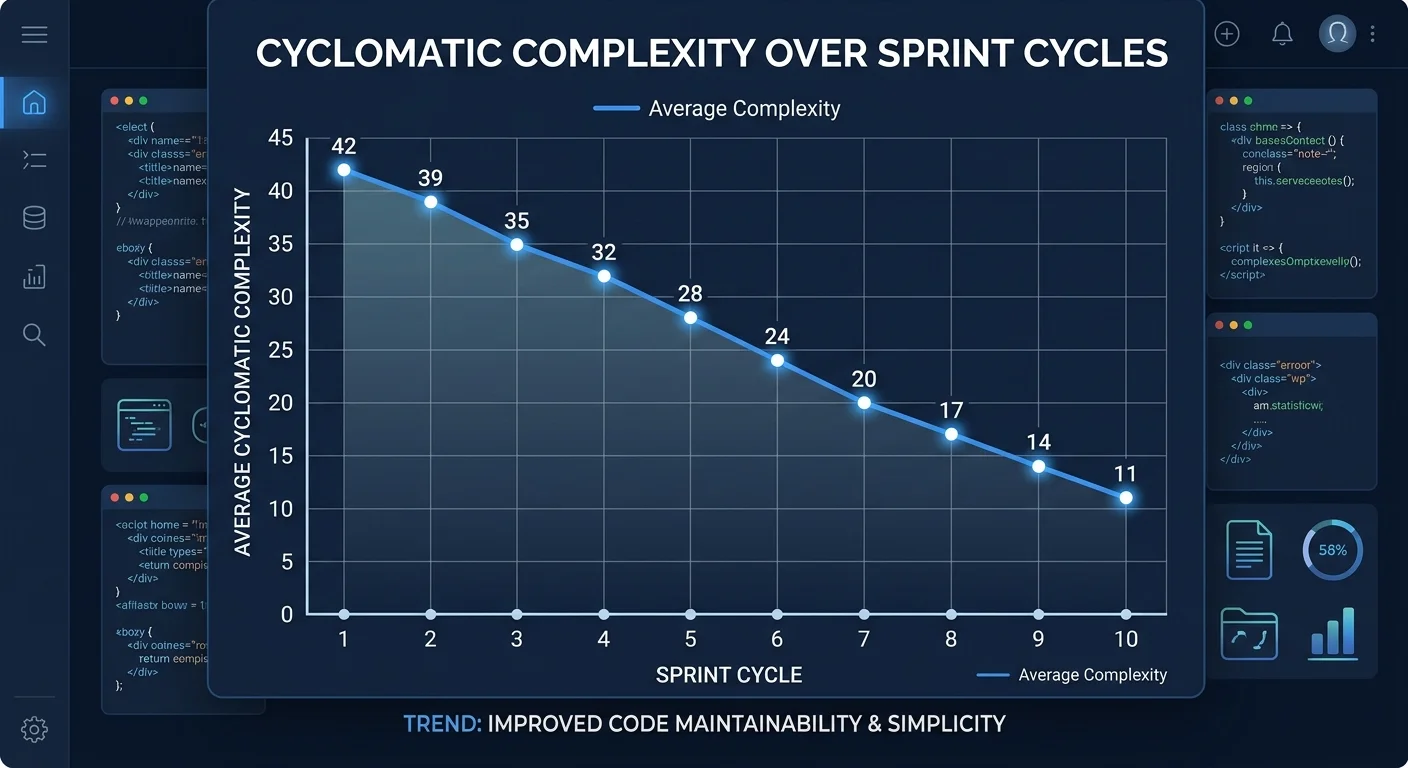
Refactoring without measurement is just rearranging furniture. You need objective metrics to prove that your changes improved the codebase and to guide future efforts. Track cyclomatic complexity, code duplication percentage, and test coverage before and after each refactoring pass. These numbers tell you whether you actually reduced complexity or just moved it around. Share these metrics with your team so everyone understands the value of the work.
Track Metrics That Matter
Cyclomatic complexity measures the number of independent paths through a function. A complexity score above 10 signals that a function is doing too much and should be split. Code duplication percentage, measured by tools like SonarQube or jscpd, should ideally stay below 5% across your project. Track these alongside deployment frequency and bug escape rate. If refactoring efforts correlate with fewer production incidents and faster deployments, you have a compelling case for continued investment in clean, scalable code practices.
Performance benchmarks matter too, especially when refactoring hot paths. Run before-and-after benchmarks for any code that handles high traffic or processes large datasets. Refactoring should not degrade throughput. If you extract a method from a tight loop and the extraction adds function call overhead that matters at scale, you may need to inline it or find a different optimization approach. Measure, don't assume.
Integrate Refactoring into Your Workflow
The most effective teams treat refactoring as a continuous habit, not a quarterly event. The "Boy Scout Rule" (leave code cleaner than you found it) works when applied consistently. When you touch a file to fix a bug or add a feature, spend 15 minutes improving the surrounding code. Rename unclear variables, extract a helper function, delete dead code. These micro-improvements compound significantly over weeks and months, preventing technical debt from ever reaching crisis levels.
Pair programming and code review are natural refactoring amplifiers. A second pair of eyes spots naming issues, missed abstractions, and structural problems that the original author has gone blind to. Establish team conventions for when refactoring should happen: during code review, during bug fixes, during dedicated "clean-up" tickets each sprint. Whatever structure you choose, make it explicit and track it. Teams that allocate 15 to 20% of sprint capacity to refactoring consistently ship faster than teams that defer all cleanup to "someday."
Add a "refactoring" label to your issue tracker and review it during every sprint planning session.
Frequently Asked Questions
?How do I write characterization tests for code I don't fully understand?
?Is 80% line coverage always enough before refactoring a module?
?How long does building a test safety net add to a refactoring sprint?
?Can I skip integration tests if my unit tests are already passing?
Final Thoughts
Refactoring is a skill that improves with deliberate practice, not a chore to dread. Build your test safety net, target the smells that cause the most pain, apply specific techniques with discipline, and measure the results.
Clean code and thoughtful software optimization don't happen by accident; they happen through consistent, incremental effort. Start with one module this week, apply these refactoring tips, and watch the ripple effects across your team's velocity and confidence.
Disclaimer: Portions of this content may have been generated using AI tools to enhance clarity and brevity. While reviewed by a human, independent verification is encouraged.